Five solutions that turned complicated processes into clear tools.
Each one began with a real problem — and each saves many hours of manual work.
How it works
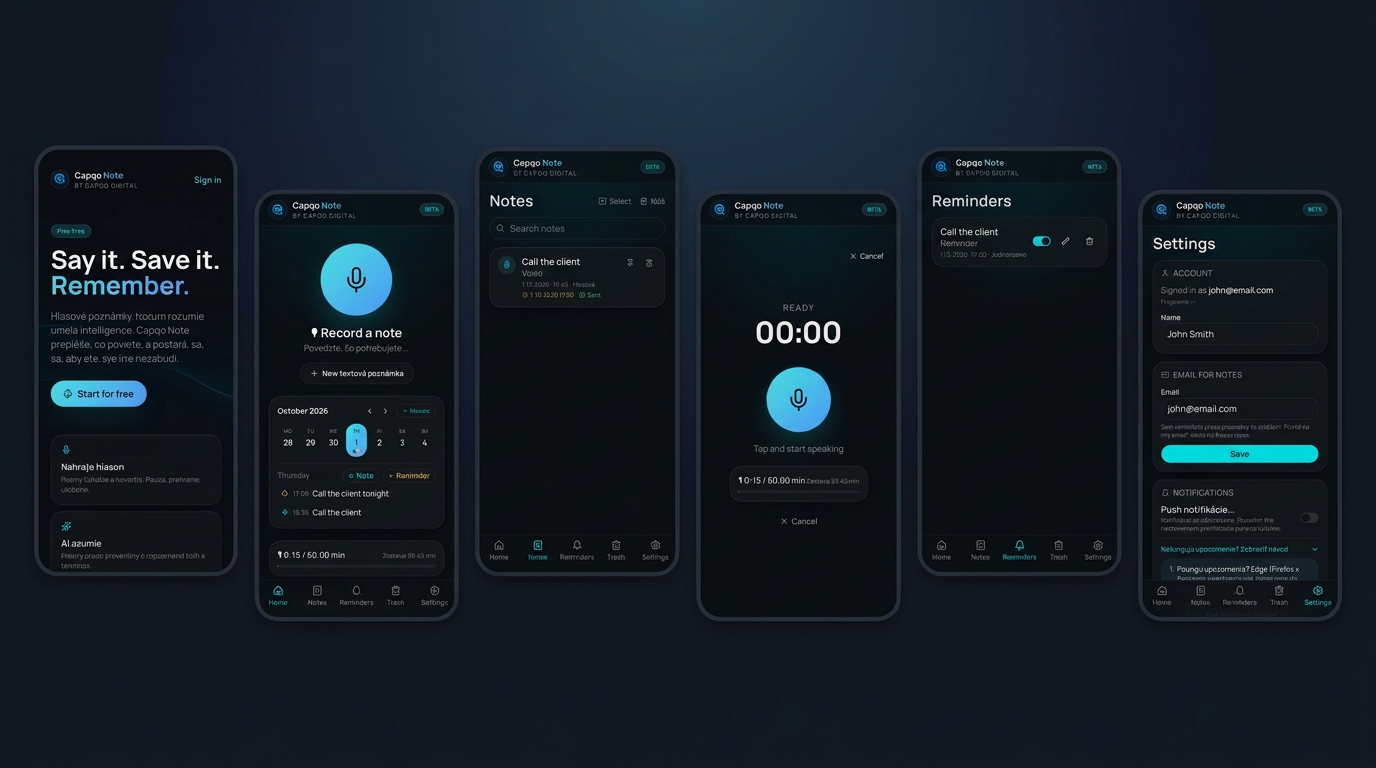
1One tap — recording
2Automatic transcription
3Email reminder
Reminder on your phone & by email
01 · Voice notes · Reminders
CAPQO Note
Just say it. The system takes care of the rest.
For people who have no time to type at work. One tap records a voice note — the app transcribes it into clean text and sends the full content straight to your email. At the time you set, you also get a reminder on your phone and by email, so nothing slips your mind. No important thought gets lost, even when your hands are full.
Record a voice note with one tap
Automatic transcription into clean text
Full note content delivered straight to your email
Reminder on your phone and by email — nothing forgotten
Instead of sticky notes and forgotten tasks — a note that reminds you itself.
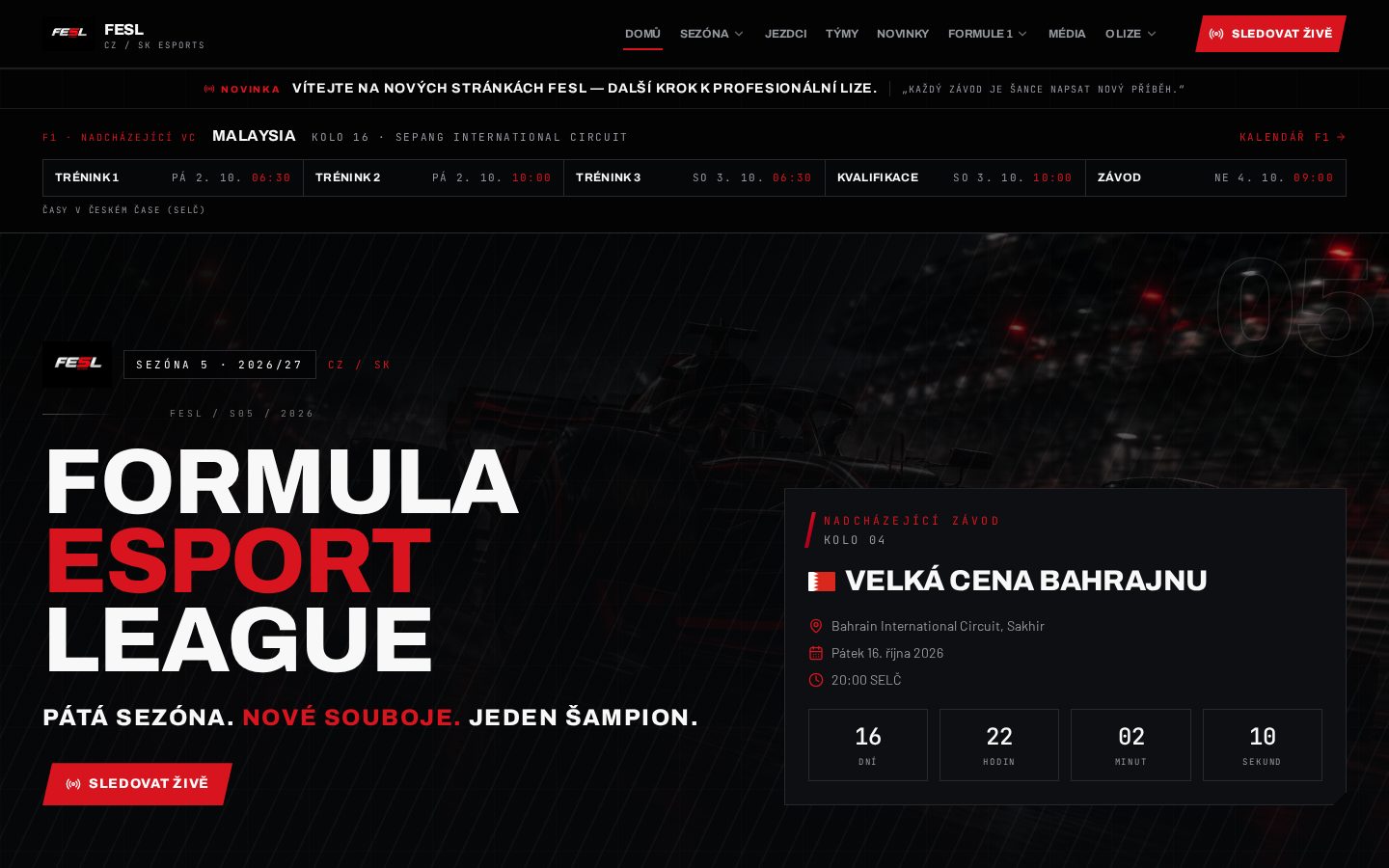
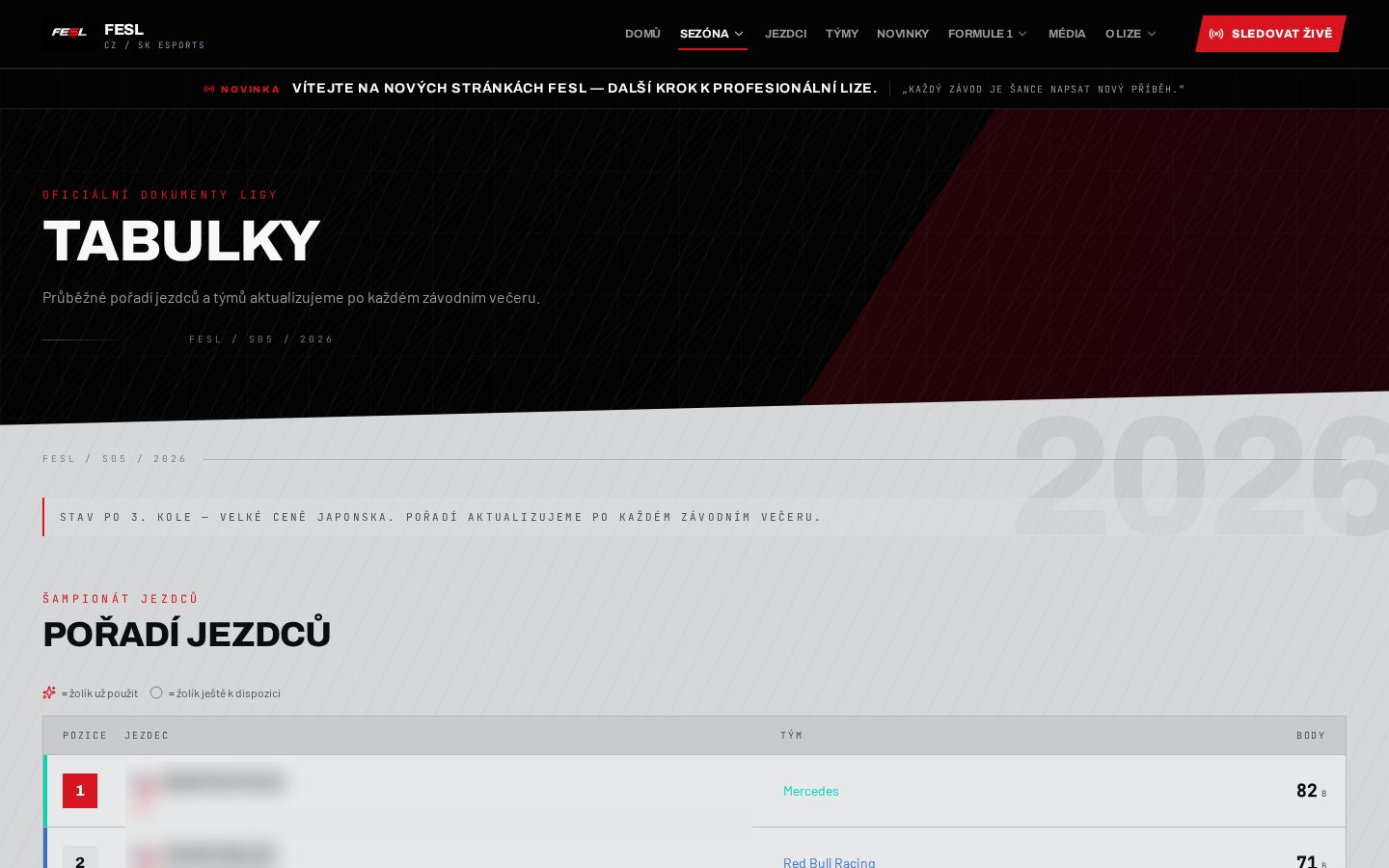
Live resultsStewards & penaltiesDriver profiles
02 · Sports portal · Community
F1FESL
The entire league in one place — from qualifying to the final standings.
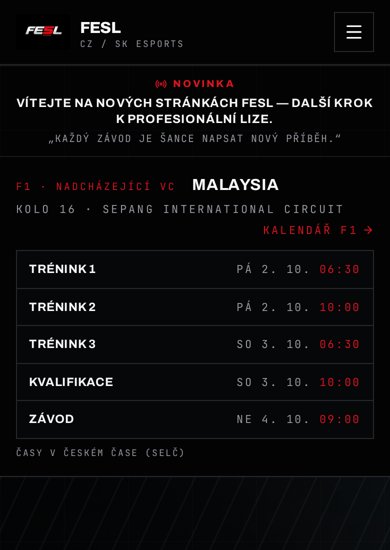
A league once managed through spreadsheets and chats is now held together by one clear portal. Results and standings update automatically.
Automatic scoring and live championship table
Driver profiles with season statistics
Race registration and participant overview
Incident and penalty history
Running a season now takes a fraction of the manual work it once required.
Automatic flow — one click
Invoice in WorkioSignatureMail EngineCustomer
Sent message
→Invoice — sample customerPDF
✓Electronic signature added
✓Delivered · opened in 3 min
Delivery
99,4 %
delivered
71 %
opened
Confirmation
The invoice was signed and sent.
1 click · 0 manual steps
03 · Email system · Integrations
Mail
One click — the invoice is created, signed and delivered.
A custom email system connected directly to applications such as Workio. One click creates the document, adds the signature, attaches the PDF and sends it.
Direct integration with apps such as Workio
Create, sign and send in one click
Templates with automatically filled details
Delivery and open tracking
Several manual steps become one — and nothing gets forgotten.
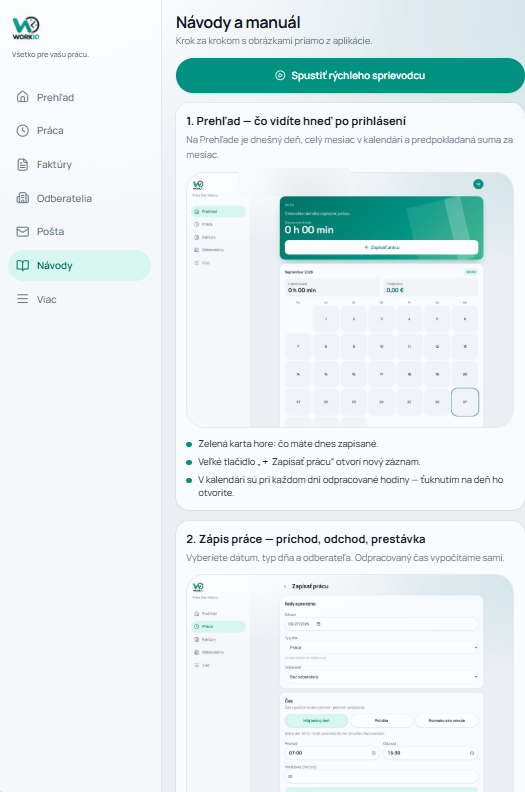
Time → invoiceCustomers & historyPayment trackingIn-app guides
04 · Jobs · Time · Invoicing
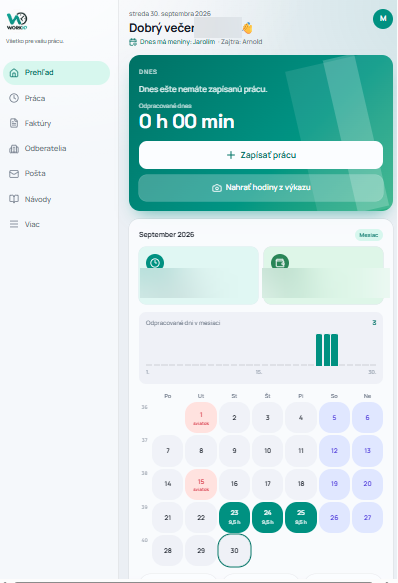
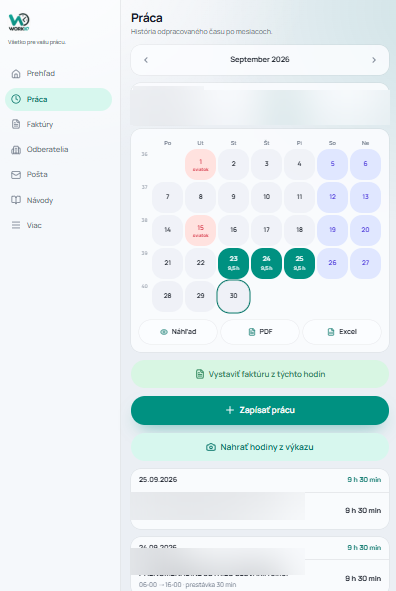
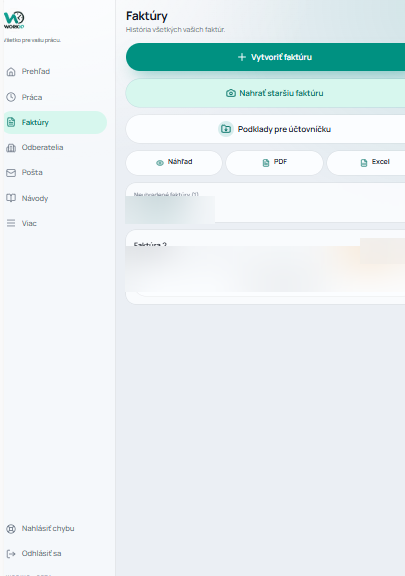
Workio
From a minute worked to a paid invoice in one system.
Jobs, working time, materials and invoicing no longer live in separate tools. Time is tracked while work happens and flows into invoice preparation.
Real-time job overview
Mobile time tracking while working
Invoices prepared from time and materials
Customer records with job and payment history
Month-end invoicing takes minutes, not an entire evening.
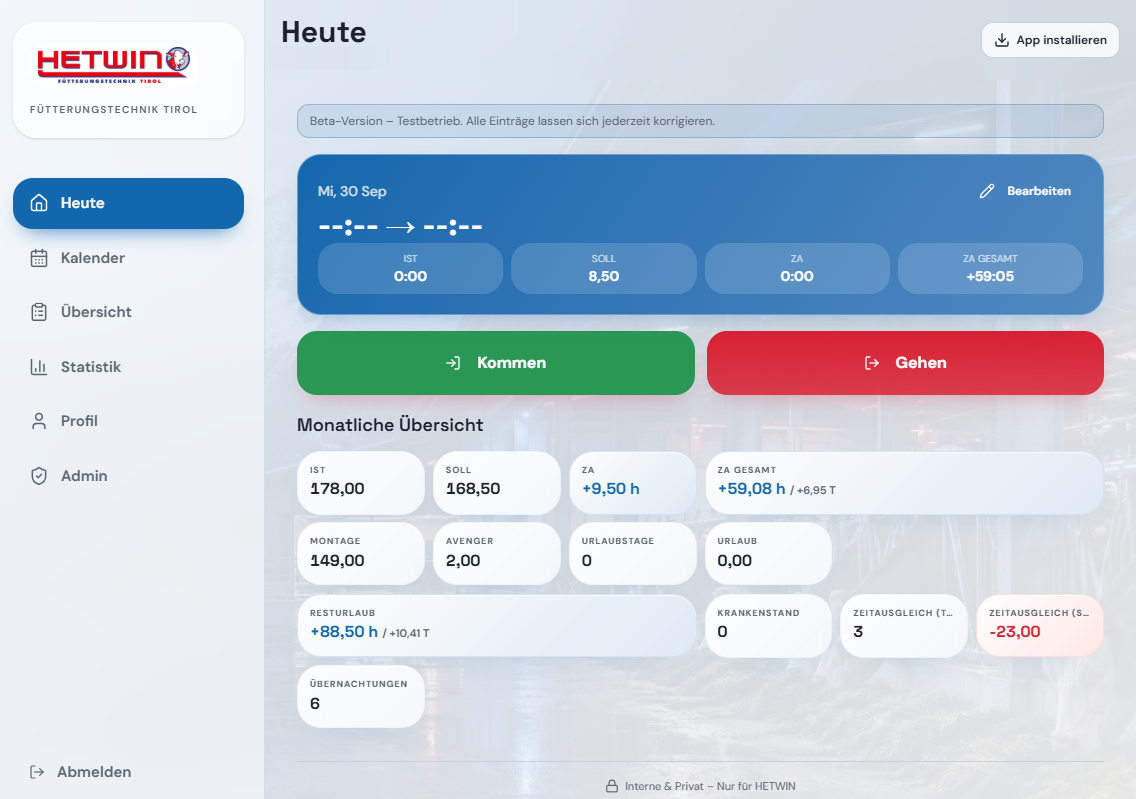
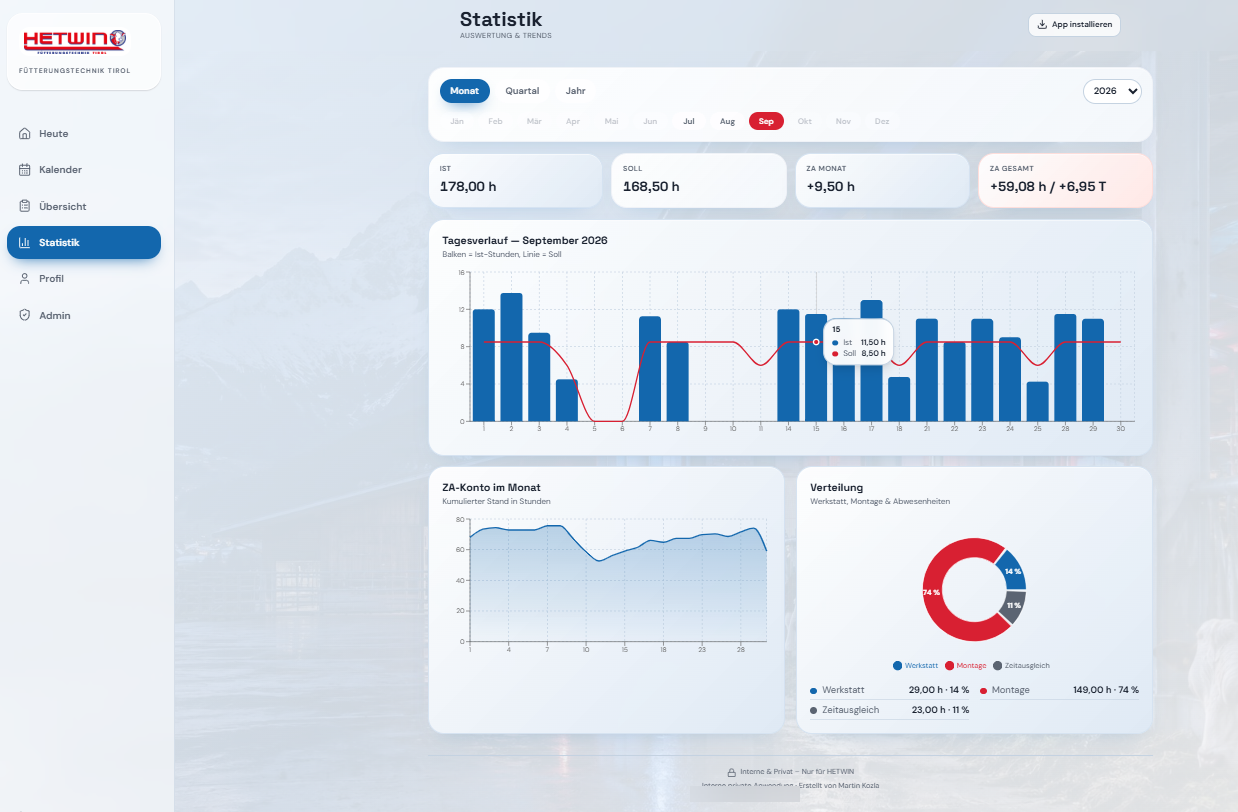
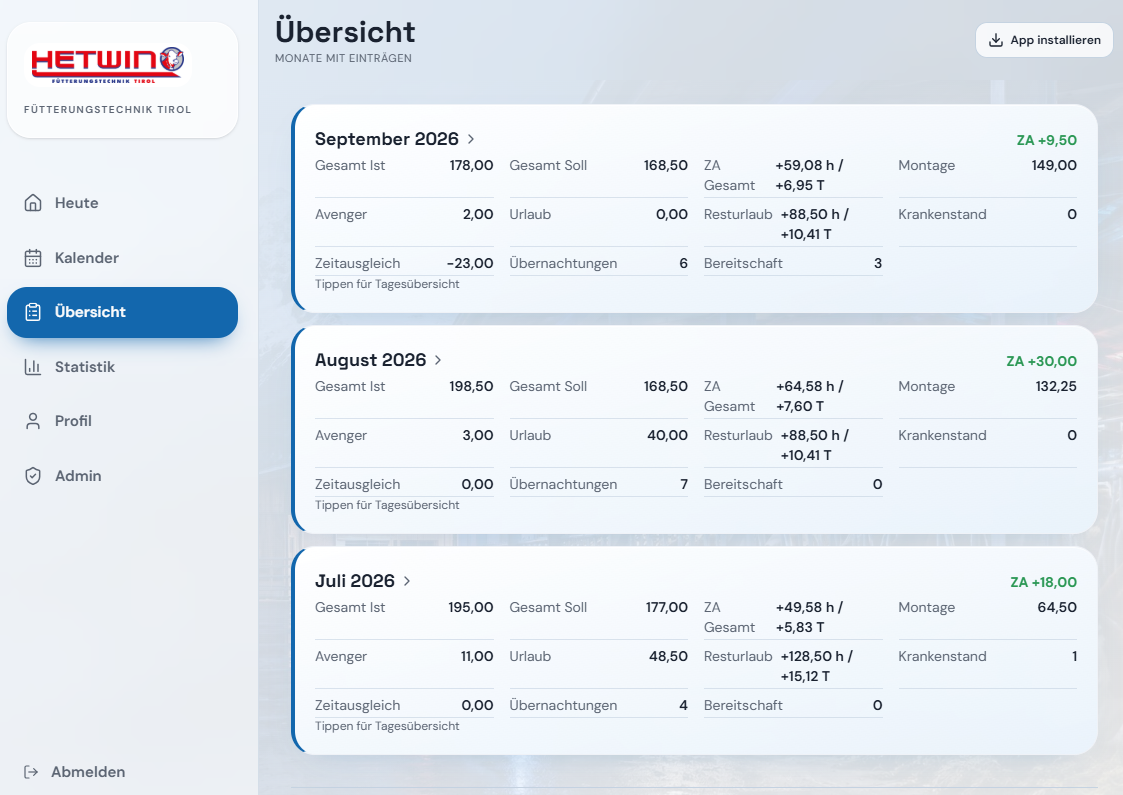
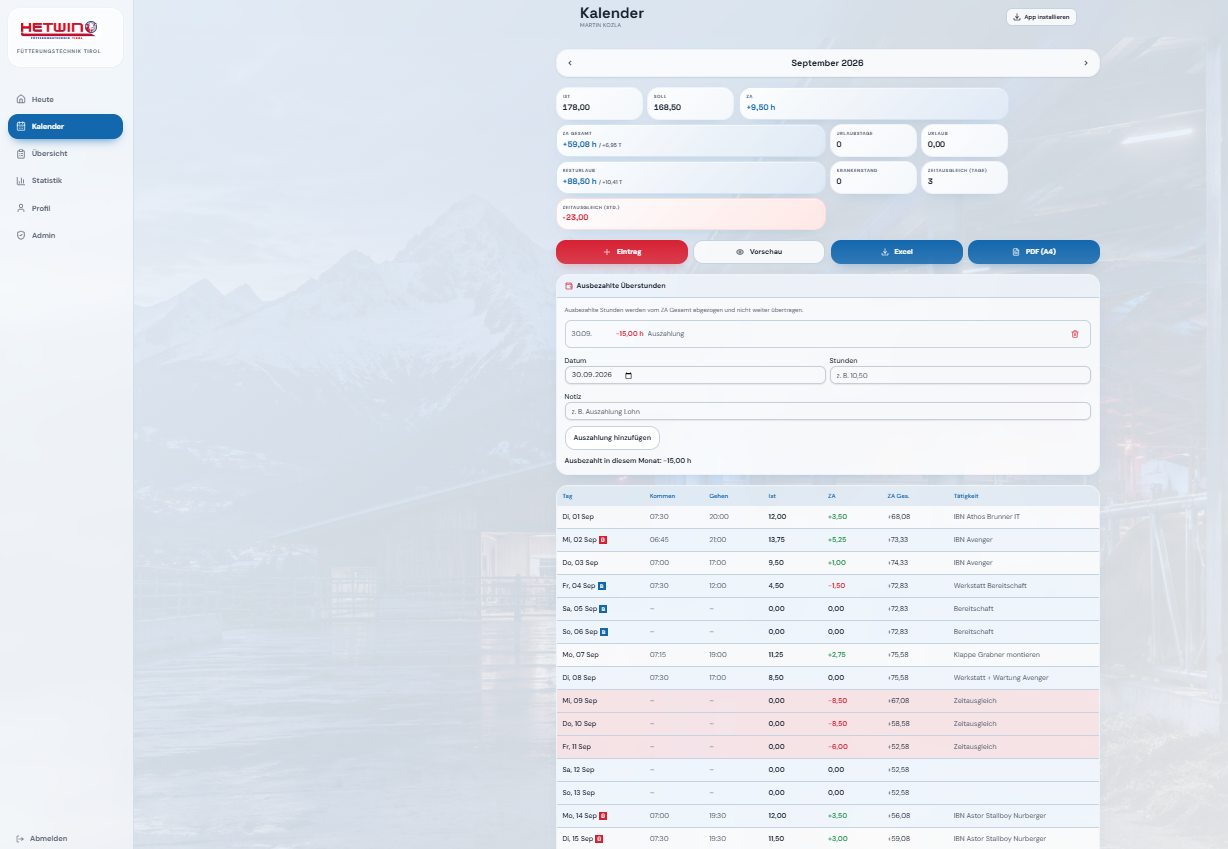
Attendance in one tapAutomatic calculationsManager statisticsPDF & Excel exports
05 · Time tracking · Attendance
Hetwin
Hours, overtime and leave calculate themselves.
Detailed working-time records with multiple activity types and automatic calculations. Reports can be submitted for approval directly from a phone.
Multiple work types in one calendar
Automatic time, overtime and leave calculation
Submit reports and track approval
Statistics for individuals and teams
No more disputes over hours — every figure is clear and traceable.
The interfaces shown on this page are illustrative. All names, figures, amounts and details are fictional and contain no real or sensitive client information.
Have an idea?
Let’s build it.
Even if you are not sure what you need yet, just describe the problem. Together we will find the best path forward.